- What is inclusive design?
Inclusive design is design that is meant to keep a wide range of people with disabilities in mind while designing an app or website. This could be a simple as adding a description on a photo for a text to speech machine or thinking about your color choices and how they might affect a visual to speech software.
- Why is inclusive design important for digital designers to understand?
It’s important for us as designers to keep this in mind because we are the ones that have the ability to give people access to Software and apps when others might limit their ability to enjoy and limit the usability.
- Why are empathy exercises helpful for designers to conduct?
I think empathy exercises are incredibly important because not only do they allow us to understand what our users might struggle with but it helps us feel what they might be feeling when using other apps. this helps us with our designs and allowing us to create more inclusive designs that will be able to be used and enjoyed by more than just a targeted group of people.
Exercise 1:
I started with exercise one because i thought it would be a god starting point. The goal of the activity was more of an icebreaker and I did it with my roommates. I was called to see what we had in common and what we didn’t when it came to technology. Some of the responses were funny and some of the responses were serious it was really cool to see the range of answers. For this exercise you are asked to write down what you would trust a computer to do but you would trust a human to do. it’s about the answers came relatively easy to me at least and some of them were a little bit harder and required a little bit more thought. I understand how this plays into inclusive and accessible design as when people have different abilities they might have different answers.
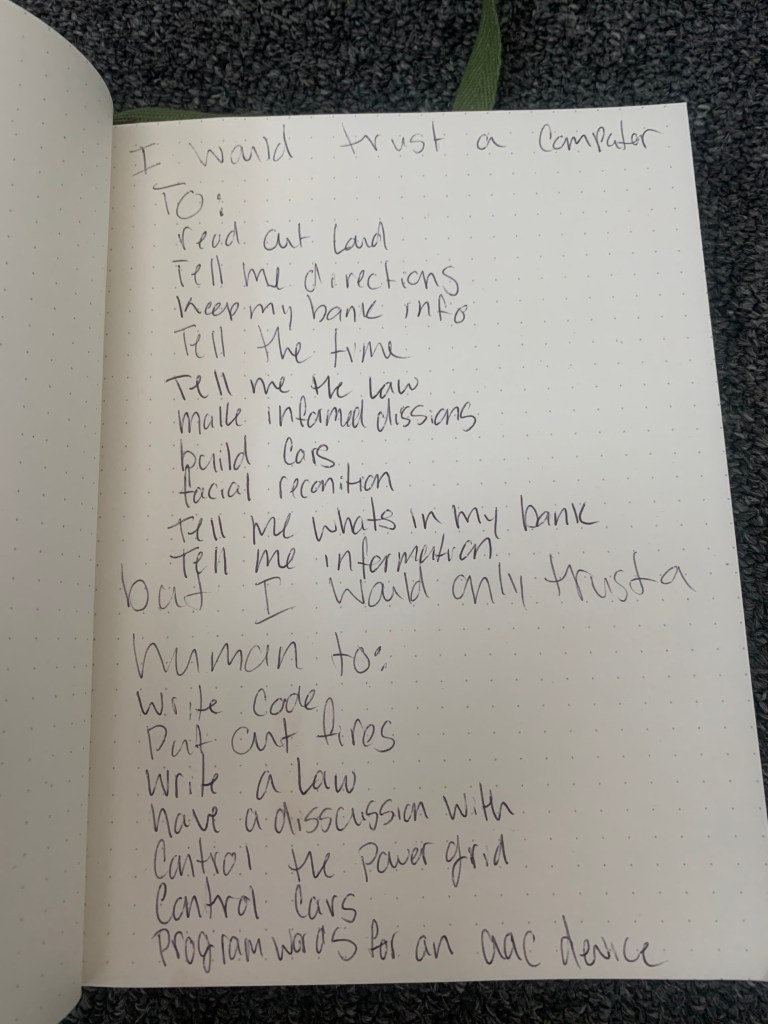
Exercise 2:
And then chose the third exercise to do next. I chose this one because my mom works for children’s hospital and I’ve been connected through her with a group called let’s talk. they’re a group of amazing individuals who use AAC (Augmentative and Alternative Communication) devices to speak and communicate with others. I’ve worked and known these kids and adults for quite a while and have helped code their AAC devices to be more adaptable for their needs. It was really interesting to work with these people because they had a range of needs when it came to their AAC devices. one of the girls had use of her arms and hands and was able to use a joystick to. well smoothie others were a little bit more limited and used either head toggles or eye tracking software to be able to select the words that they wanted to use. I’ve worked with these people for probably about 5 years now and I have one learned a lot from helping them code their AAC devices and I’m able to take a decent amount of what I’ve learned from the setup and the actual design for these devices and apply them to my apps and web design. I had a conversation with my friend Savanah but she asked not to be recorded. So I wrote down some of the questions and answers.
Transcript:
Lilia: What is one of your greatest strengths?
Savanah: My ability to make people laugh.
Lilia: what motivates you to use your AAC device and complete daily tasks?
Savanah: I want to be able to have a voice. When I use my device I have a voice. My own voice, well its some man speaking for me *laughs* but its my words. And that’s what motivates me, I have independence and can be a person
Lilia: What challenges do you face when you speak to others and have every day interactions?
Savanah: People don’t think they can talk to me. They think they need to talk to you or my parents. I just want people to know its ok to talk to us. We might need a minute to respond but I promise I can make you laugh.
Lilia: Is there anything else you wanna say?
Savanah: What does a baby computer call his father? Data. *laughs*
She wanted me to include the link to the lets talk website for people that might be interested: https://www.letstalkinitiative.org/the-snow-queen.html
Exercise 3:
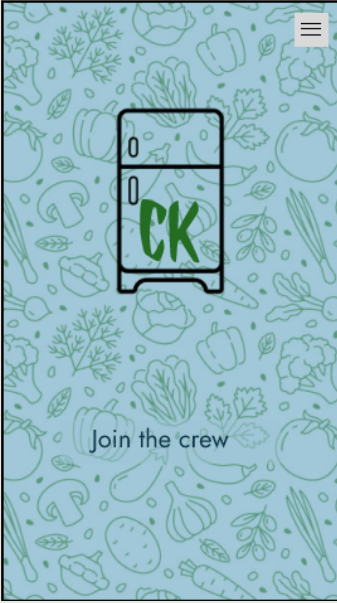
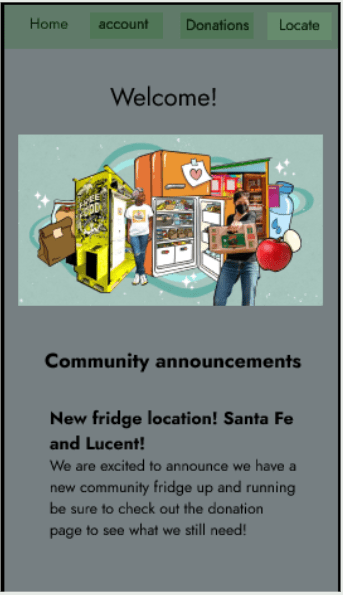
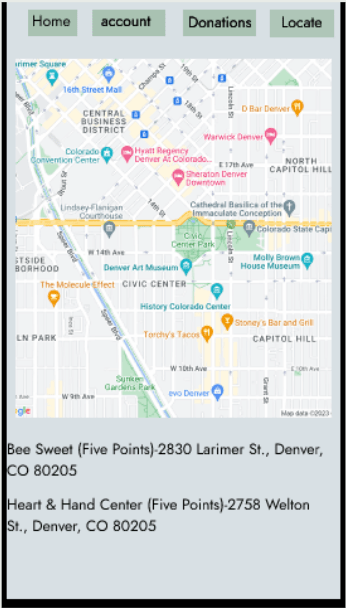
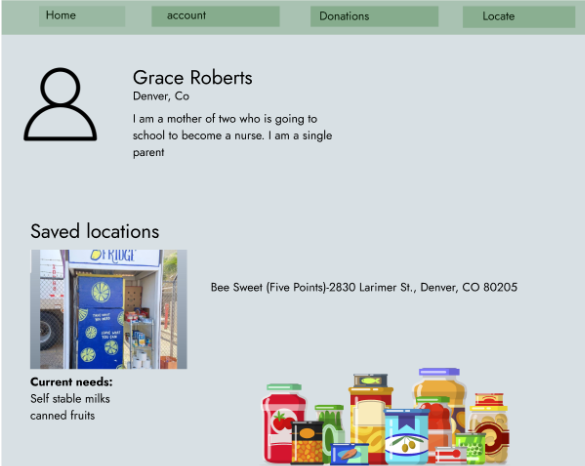
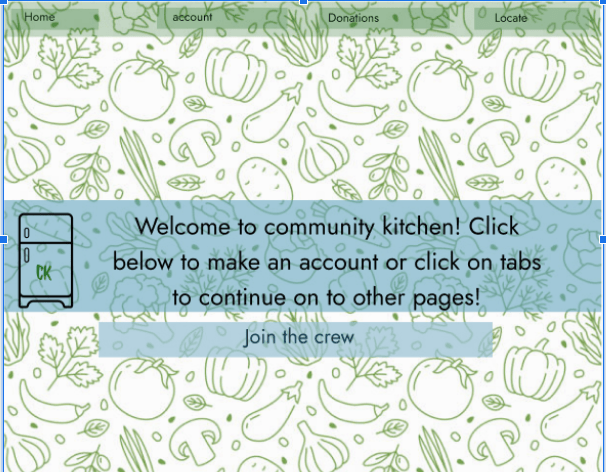
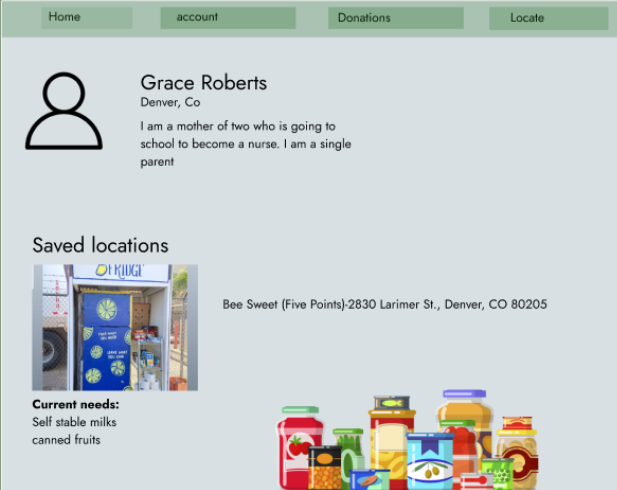
The third exercise I chose was to To articulate each small detail in a sequence of interactions in order to find ways to make the interactions more inclusive. I chose to do this exercise because I thought that it would help me rework my community fridge design. the goal of this exercise was to I used this exercise as more of a reflection. I do not have a feedback page on my web design however I did choose to set a task and see if I could complete it. I tried to see if someone who may be visually impaired would be able to navigate my design and find information on what needs to be donated to the community fridge. I put tape over my glasses and tried to navigate to my page. I also had my friend wear my glasses that had tape over them and also attempt to navigate to the donations page. since I knew the website better I was able to navigate quicker but my friend had a little bit more trouble. she said that it was easier to have the colors being different and brighter so she could see the difference between the buttons and the information. she also said that she thinks that if I had a text to speech function for visually impaired people activated on my phone it would have been able to pick up the text boxes and read them out loud. I think what I need to focus on when redesigning my app is adjusting the flow of the page to be more legible
Exercise 4:
 Lilia Ransom